
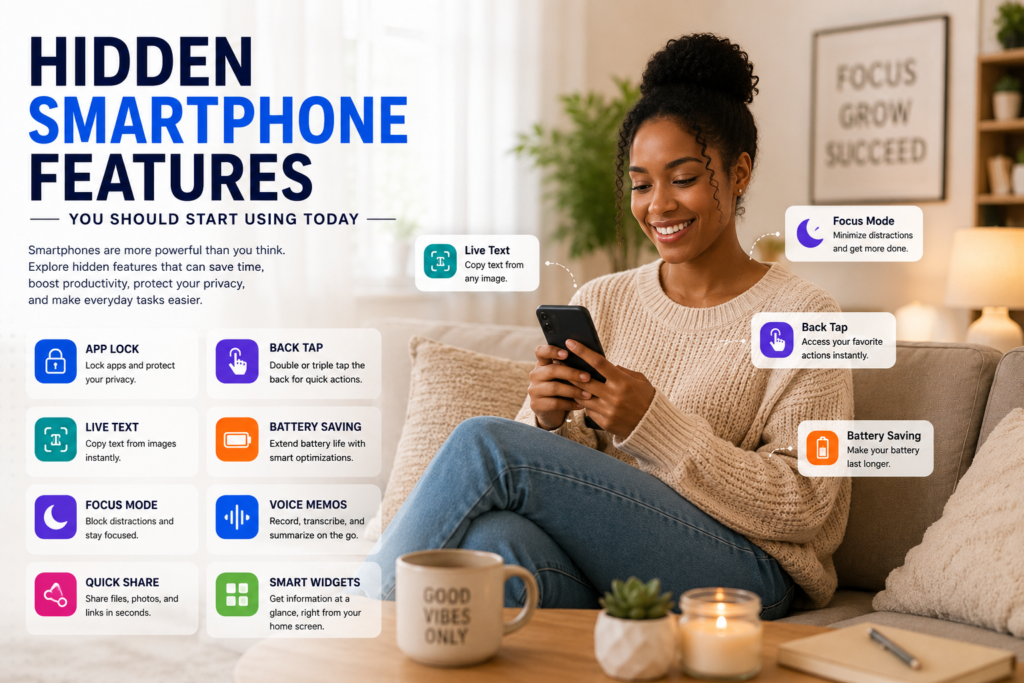

Most smartphone users only utilize a small percentage of the features available on their devices.
Modern smartphones contain dozens of powerful tools designed to improve:
- Productivity
- Security
- Battery life
- Privacy
- Convenience
Yet many of these features remain hidden inside settings menus that people rarely explore.
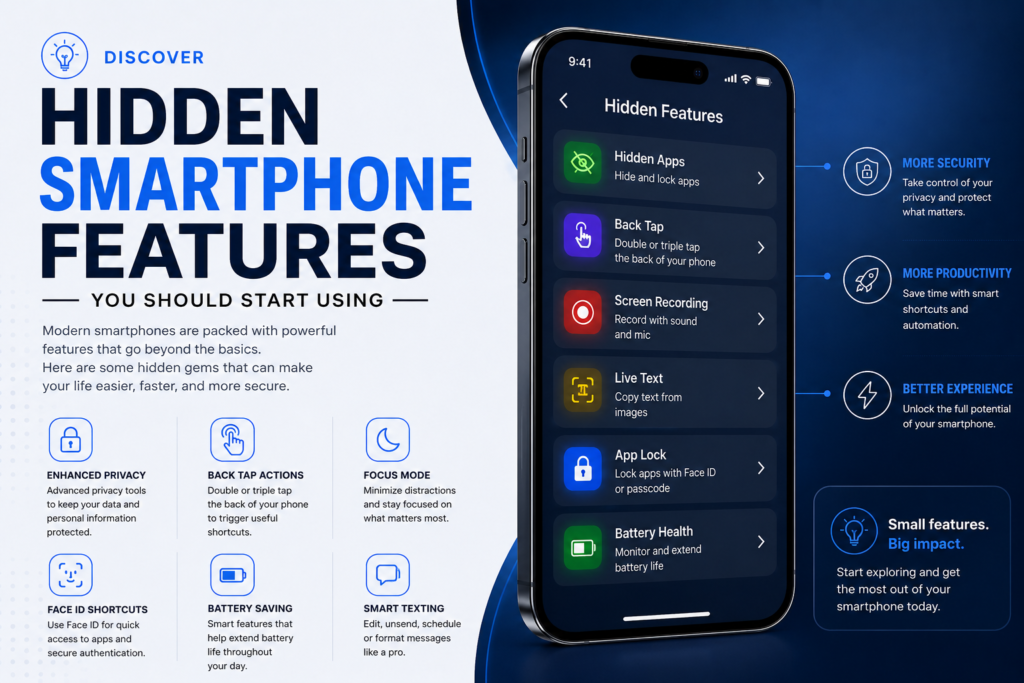
In this guide, we’ll reveal some of the most useful hidden smartphone features you should start using in 2026.
Why Hidden Features Matter
Smartphone manufacturers continue adding advanced capabilities every year.
Many of these features can help users:
✅ Save time
✅ Improve security
✅ Extend battery life
✅ Work more efficiently
✅ Reduce distractions
The challenge is that many users never discover them.
1. Built-In Screen Recording
Most modern smartphones include a built-in screen recorder.
What It Does
- Records tutorials
- Captures gameplay
- Saves online presentations
- Creates instructional videos
Why It’s Useful
You no longer need third-party apps for basic screen recording.
2. App Permissions Control
Many apps request access to:
- Camera
- Microphone
- Contacts
- Location
Hidden Benefit
You can control exactly what each app accesses.
Recommended Action
Review app permissions regularly for better privacy.
3. Focus Mode
One of the most useful productivity tools hidden inside many smartphones.
What It Does
Focus Mode temporarily pauses distracting apps.
Great For
✅ Studying
✅ Working remotely
✅ Reading
✅ Deep focus sessions
4. Battery Health Monitoring
Most users only check battery percentage.
Hidden Feature
Many smartphones provide battery health information.
Benefits
- Monitor battery condition
- Identify battery-draining apps
- Improve device lifespan
5. Live Text & Image Text Extraction
Modern smartphones can copy text directly from images.
Practical Uses
- Extract notes
- Save phone numbers
- Copy website links
- Digitize printed text
Why It’s Powerful
It saves significant typing time.
6. Emergency SOS Features
Most smartphones include emergency safety tools.
Features Often Include
- Emergency contacts
- Medical information
- Location sharing
- Emergency calling shortcuts
Important Tip
Configure this feature before you need it.
7. Gesture Navigation
Many users still rely on traditional navigation buttons.
Benefits of Gestures
✅ Faster navigation
✅ More screen space
✅ Modern user experience
8. One-Handed Mode
Large smartphone screens can be difficult to operate.
Hidden Solution
One-handed mode temporarily shrinks the screen area for easier use.
Best For
- Large devices
- Commuting
- Multitasking
9. Digital Wellbeing Tools
Modern smartphones now track screen time automatically.
Features Include
- App usage reports
- Screen time tracking
- Focus tools
- Bedtime modes
Why It Matters
Helps users build healthier digital habits.
10. Automatic Call Screening
Available on some devices.
What It Does
Screens suspicious calls automatically.
Benefits
- Reduces spam calls
- Improves security
- Saves time
11. Hidden AI Features
Artificial Intelligence is now built into many smartphones.
Common AI Features
- Voice assistants
- Smart photo editing
- Writing assistance
- Real-time translation
Why They’re Useful
AI improves productivity and convenience.
12. Secure Folder or Private Space
Many smartphones include hidden storage areas.
What You Can Store
- Sensitive documents
- Photos
- Passwords
- Financial information
Security Advantage
Additional protection beyond the lock screen.
Tips for Getting More From Your Smartphone
Explore Settings Menus
Many useful tools are hidden there.
Keep Software Updated
Updates often introduce new features.
Learn Built-In Tools
Many third-party apps duplicate features already included on your device.
Review Privacy Settings
Protect your personal information regularly.
Use Productivity Features
Small improvements can save hours each week.
Common Smartphone Mistakes
Ignoring Updates
Updates often improve security and functionality.
Installing Too Many Apps
Too many apps can reduce performance.
Never Exploring Settings
Many useful features remain undiscovered.
Ignoring Battery Health
Battery maintenance improves long-term performance.
Frequently Asked Questions (FAQ)
Do all smartphones have these features?
Many modern Android and iPhone devices include most of these features, though availability may vary.
Can hidden features improve battery life?
Yes. Features such as battery optimization and app management can significantly improve battery performance.
Are hidden smartphone features safe to use?
Yes. Most are official features built directly into the operating system.
Which hidden feature is most useful?
Focus Mode, Live Text, and Emergency SOS are among the most practical features.
How can I find more hidden features?
Explore your phone’s settings menu and review update notes after software upgrades.
Conclusion
Modern smartphones are far more powerful than most users realize.
Beyond calls, messaging, and social media, today’s devices contain advanced productivity, security, and convenience tools that can dramatically improve daily life.
By exploring and using these hidden smartphone features, users can work smarter, stay safer, improve focus, and get more value from their devices.
Sometimes the most useful smartphone upgrade isn’t buying a new phone—it’s learning to use the one you already have more effectively.
Suggested Internal Links
- Tech Habits That Waste Your Time Daily
- Websites Most People Don’t Know Exist
- Best Software for Students and Remote Workers
- Top AI Chrome Extensions Everyone Should Try
