Introduction
Artificial Intelligence is rapidly transforming how people browse the internet, work online, create content, and manage productivity.
Today, AI-powered Chrome extensions can help users:
- Write faster
- Summarize web pages
- Generate content
- Improve grammar
- Automate tasks
- Take notes
- Create AI images
- Save research time
Whether you’re a student, freelancer, blogger, marketer, entrepreneur, or remote worker, the right AI Chrome extensions can dramatically improve your workflow.
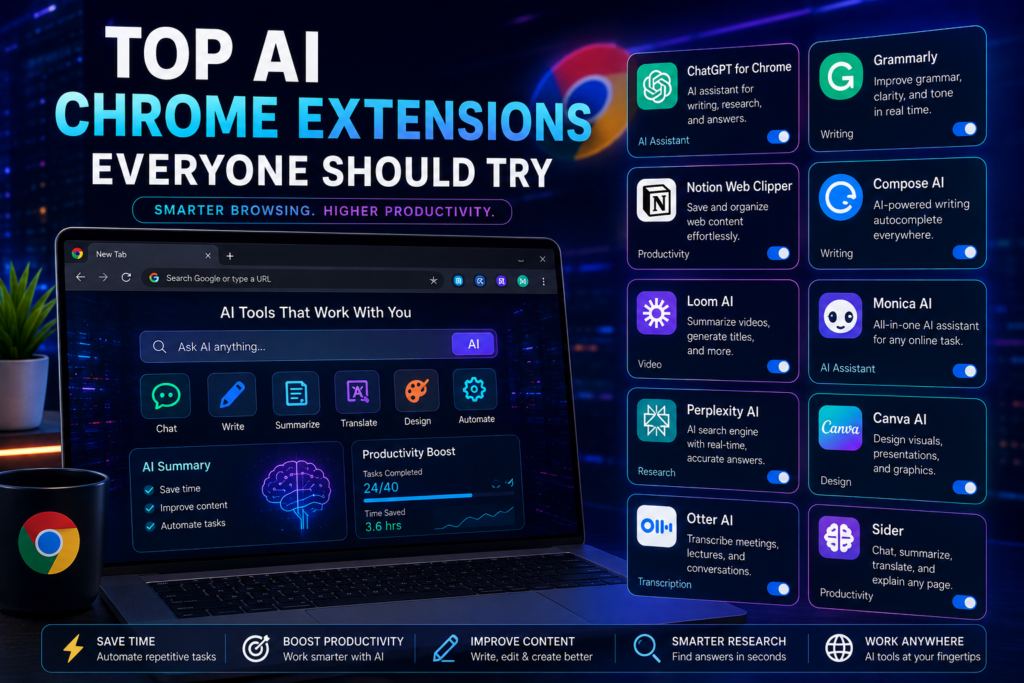
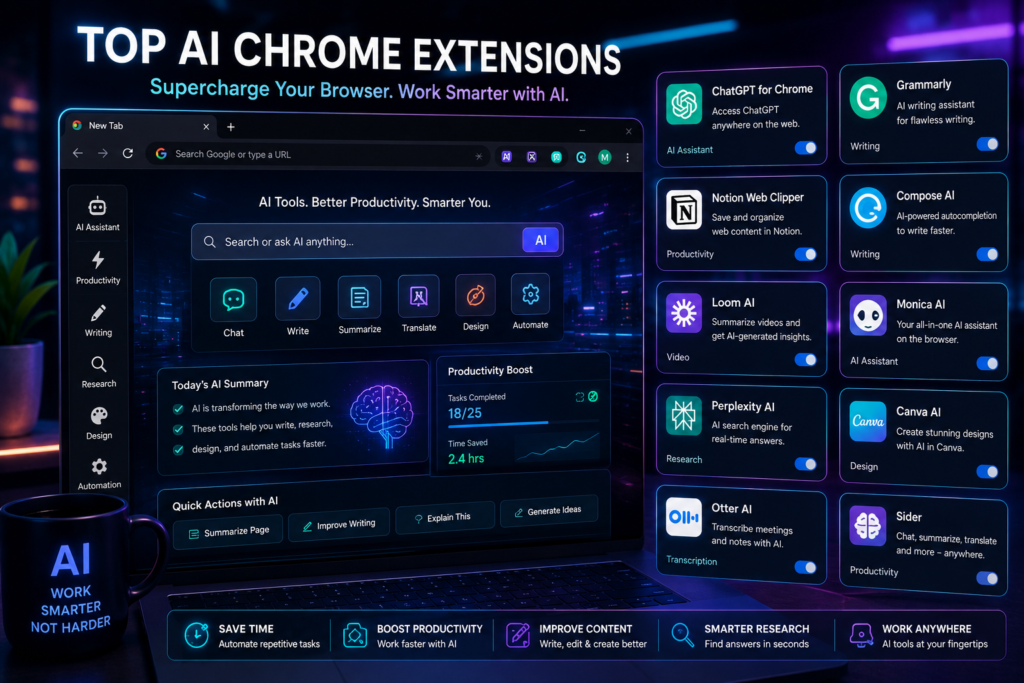
In this guide, we’ll explore the top AI Chrome extensions everyone should try in 2026.
Why AI Chrome Extensions Are Becoming Popular
AI extensions integrate directly into your browser, making advanced AI features available instantly while browsing websites, emails, documents, and social media platforms.
Benefits include:
✅ Faster productivity
✅ Easier research
✅ Better writing quality
✅ Time-saving automation
✅ Improved online workflow
ChatGPT browser integrations allow users to access AI assistance directly from Chrome while browsing.
You can use it for:
- Writing emails
- Summarizing articles
- Generating ideas
- Answering questions
- Coding assistance
- Research help
Why People Love It
✅ Fast responses
✅ Multi-purpose AI assistant
✅ Great for students and professionals
✅ Easy browser access
Best For
- Bloggers
- Students
- Developers
- Researchers
- Freelancers
2. Grammarly
Grammarly remains one of the most useful AI-powered writing extensions available today.
It helps users:
- Correct grammar
- Improve clarity
- Rewrite sentences
- Adjust tone
- Detect mistakes instantly
Key Features
- Real-time corrections
- AI rewrite suggestions
- Professional tone assistance
- Email writing support
Best For
- Writers
- Professionals
- Students
- Business communication
3. Notion AI Web Clipper
Notion AI tools help users save and organize online information more efficiently.
You can:
- Save articles
- Summarize research
- Organize notes
- Build knowledge bases
Why It’s Useful
Perfect for productivity and digital organization.
Compose AI helps users write faster using AI-powered autocomplete.
It can:
- Complete sentences
- Generate responses
- Speed up typing
- Assist with emails
Advantages
✅ Saves typing time
✅ Boosts productivity
✅ Works across websites
Loom now includes AI-powered tools for:
- Meeting summaries
- Automatic titles
- Video transcriptions
- Content highlights
This is extremely useful for remote teams and content creators.
6. Monica AI Assistant
Monica AI combines multiple AI capabilities into one extension.
It can assist with:
- ChatGPT-style conversations
- Writing assistance
- Translation
- Content generation
- Research
Why Users Like It
It works directly inside the browser while multitasking online.
7. Perplexity AI Browser Assistant
Perplexity AI is becoming popular for AI-powered searching and research.
It provides:
- AI-generated answers
- Source-backed responses
- Fast research summaries
- Conversational search
Best For
- Students
- Researchers
- Content creators
8. Canva AI Integration
Canva’s browser tools make designing easier directly from Chrome.
You can quickly:
- Generate graphics
- Edit visuals
- Create presentations
- Design social media posts
9. Otter.ai
Otter AI is excellent for:
- Meeting transcription
- Lecture notes
- Voice-to-text conversion
- Online class recording summaries
Ideal For
- Students
- Journalists
- Remote workers
- Business professionals
10. Sider
Sider brings AI chat functionality directly into webpages.
It can:
- Explain text
- Translate content
- Summarize pages
- Generate responses instantly
Best AI Chrome Extensions by Category
| Category | Recommended Extension |
|---|---|
| Writing Assistance | Grammarly |
| Research & Search | Perplexity AI |
| Productivity | Notion AI |
| AI Conversations | ChatGPT for Chrome |
| Video Productivity | Loom AI |
| Transcription | Otter AI |
| Design & Graphics | Canva AI |
| Multi-Purpose AI | Monica AI |
How to Choose the Right AI Chrome Extension
Focus on Your Needs
Choose tools based on your daily workflow.
Examples:
- Writers → Grammarly
- Designers → Canva AI
- Researchers → Perplexity AI
- Students → Otter AI
Avoid Installing Too Many Extensions
Too many browser extensions can slow down Chrome performance.
Stick to the most useful ones.
Check Privacy Permissions
Always review extension permissions before installation.
Use Free Versions First
Most AI extensions offer free plans suitable for beginners.
Frequently Asked Questions (FAQ)
Are AI Chrome extensions free?
Many AI Chrome extensions offer free versions with optional premium upgrades.
Do AI extensions slow down Chrome?
Installing too many extensions can affect browser performance slightly.
Which AI extension is best for students?
ChatGPT, Grammarly, Perplexity AI, and Otter AI are excellent for students.
Are AI browser extensions safe?
Most popular extensions are safe, but users should only install trusted extensions from verified developers.
Can AI Chrome extensions help with productivity?
Yes. AI tools can automate repetitive tasks, improve writing, speed up research, and simplify online workflows.
Conclusion
AI Chrome extensions are becoming essential productivity tools for modern internet users.
From writing assistance and research to design, transcription, and automation, these tools help people work smarter and save valuable time online.
The best part is that many of these AI-powered extensions are beginner-friendly and free to start using.
As AI technology continues evolving, browser-based AI assistants will likely become even more powerful and integrated into everyday online activities.
If you want to improve your productivity in 2026, adding a few reliable AI Chrome extensions to your browser is a great place to start.
