
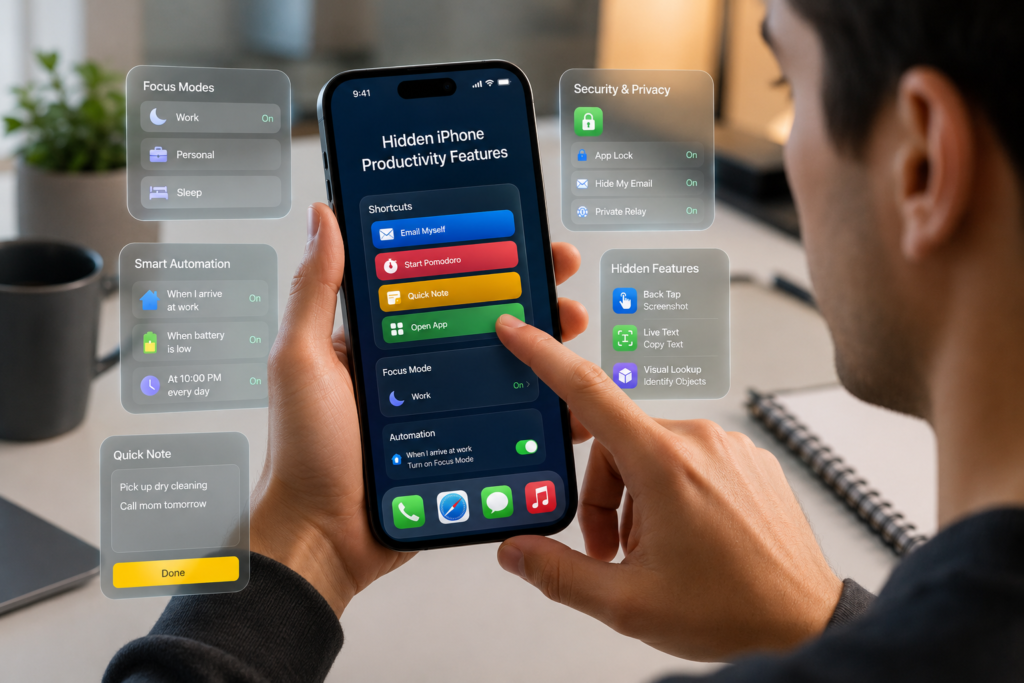
Hidden iPhone Features Most Users Never Discover
Your iPhone is packed with powerful tools and shortcuts that many users never notice. While most people use their iPhone for calls, messaging, social media, and browsing, Apple has quietly included dozens of hidden features that can save time, boost productivity, and improve your overall experience.
In this guide, we’ll uncover some of the best hidden iPhone features that can help you get more from your device.
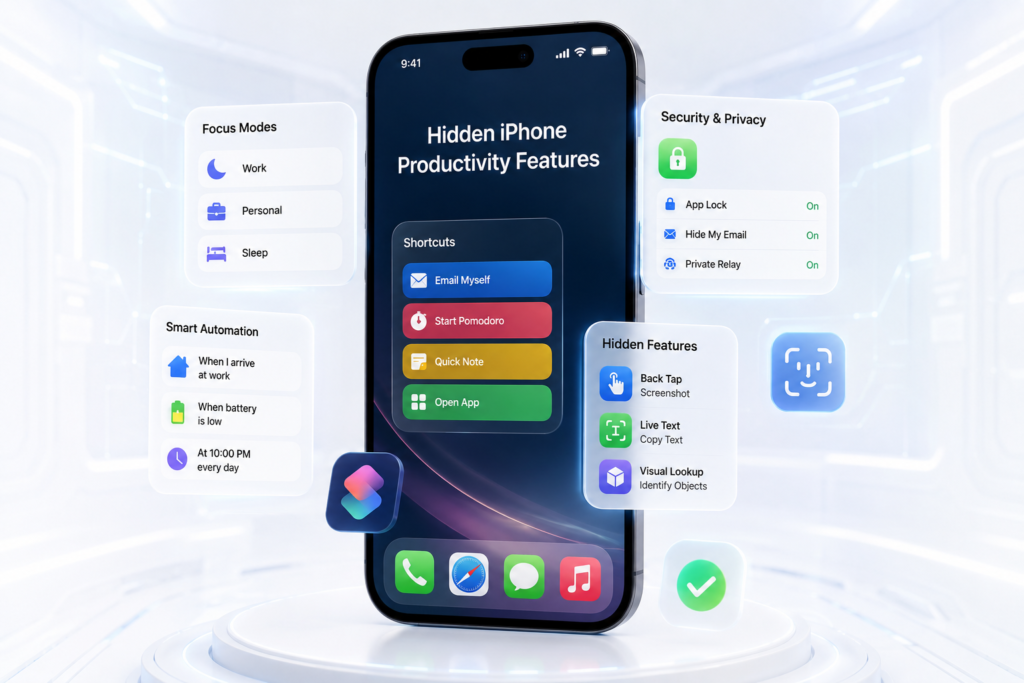
Why Learn Hidden iPhone Features?
Many iPhone users only scratch the surface of what their device can do.
Benefits include:
✅ Faster navigation
✅ Improved privacy and security
✅ Better battery management
✅ Increased productivity
✅ Easier access to important functions
1. Back Tap Shortcuts
One of the most underrated iPhone features is Back Tap.
You can double-tap or triple-tap the back of your iPhone to perform actions such as:
- Take screenshots
- Open the camera
- Launch apps
- Activate Siri
- Turn on flashlight
- Access Control Center
How to Enable Back Tap
- Open Settings
- Tap Accessibility
- Select Touch
- Scroll to Back Tap
- Choose Double Tap or Triple Tap
2. Scan Documents Without Installing Any App
Many people download third-party scanning apps unnecessarily.
Your iPhone already includes a built-in document scanner.
How to Scan Documents
- Open the Notes App
- Create a new note
- Tap the Camera icon
- Select Scan Documents
- Save or share as PDF
Perfect for:
- Assignments
- Contracts
- Receipts
- Certificates
3. Hide Sensitive Photos
Want extra privacy?
You can hide photos from your main gallery.
Steps
- Open Photos
- Select image(s)
- Tap Share
- Choose Hide
For additional security:
- Go to Settings
- Photos
- Enable Use Face ID
Now hidden photos require authentication.
4. Use Live Text on Images
Live Text allows you to copy text directly from photos.
Imagine taking a picture of:
- Phone numbers
- Addresses
- Documents
- Posters
You can instantly copy the text without retyping.
How It Works
- Open a photo containing text
- Press and hold the text
- Copy, translate, search, or share
This feature saves a tremendous amount of time.
5. Measure Objects Using Your Camera
The built-in Measure App can act as a virtual tape measure.
Use it to estimate:
- Furniture dimensions
- Room sizes
- Package measurements
- Desk space
How to Use
- Open Measure App
- Point camera at object
- Follow on-screen instructions
- View measurements instantly
6. Schedule Messages with Shortcuts
Many users don’t realize they can automate messages.
Using the Shortcuts App, you can:
- Schedule reminders
- Send recurring texts
- Trigger actions automatically
Useful for:
- Business communication
- Daily reminders
- Customer follow-ups
7. Quickly Identify Plants and Animals
Your iPhone can recognize:
- Flowers
- Trees
- Dogs
- Cats
- Birds
- Landmarks
How
- Open a photo
- Swipe up
- Tap Look Up
The iPhone analyzes the image and provides information.
8. Use Your iPhone as a Magnifying Glass
The built-in Magnifier tool can help you read:
- Small labels
- Medicine instructions
- Tiny text
- Product serial numbers
Enable Magnifier
- Settings
- Accessibility
- Magnifier
- Turn On
9. Turn Any Website Into an App
Frequently visit a website?
You can place it directly on your Home Screen.
Steps
- Open website in Safari
- Tap Share
- Select Add to Home Screen
The website behaves like a dedicated app.
10. Create Custom Focus Modes
Focus Mode helps eliminate distractions.
Examples:
Work Focus
- Block social media notifications
- Allow work apps
Study Focus
- Silence calls
- Allow educational apps
Sleep Focus
- Reduce interruptions at night
How to Enable
- Settings
- Focus
- Create Custom Focus
11. Use Visual Lookup for Better Search
Visual Lookup uses AI to analyze photos and identify:
- Objects
- Places
- Animals
- Food
- Plants
This turns your photo gallery into a searchable knowledge tool.
12. Lock Notes with Face ID
Store private information securely.
Examples:
- Password hints
- Business records
- Personal journals
- Financial information
Steps
- Open Notes
- Select note
- Tap More Options
- Choose Lock Note
Access requires Face ID or passcode.
13. Copy and Paste Edits Between Photos
Edit one image perfectly and apply the same settings to multiple photos.
How
- Edit photo
- Tap three-dot menu
- Copy Edits
- Open another photo
- Paste Edits
Ideal for content creators and social media managers.
14. Drag and Drop Between Apps
You can drag:
- Images
- Files
- Text
- Links
Between supported apps without copying and pasting repeatedly.
This greatly improves multitasking.
15. Find Hidden Battery Usage Details
Wondering what drains your battery?
Check Battery Analytics
- Settings
- Battery
- View Activity by App
You’ll see:
- Screen time usage
- Background activity
- Battery consumption
This helps identify power-hungry apps.
Best Hidden iPhone Features at a Glance
| Feature | Benefit |
|---|---|
| Back Tap | Faster shortcuts |
| Live Text | Copy text from photos |
| Measure App | Measure objects |
| Focus Mode | Reduce distractions |
| Magnifier | Read small text |
| Locked Notes | Improved privacy |
| Visual Lookup | AI-powered image recognition |
| Hidden Photos | Better security |
| Battery Analytics | Optimize battery life |
Frequently Asked Questions (FAQ)
Are hidden iPhone features available on all iPhones?
Most are available on newer iPhones running recent versions of iOS. Some AI-powered features may require newer models.
Does Back Tap work with phone cases?
Yes. Most cases still allow Back Tap to function properly.
Is Live Text free?
Yes. Live Text is built into iOS and requires no additional app.
Can hidden photos be recovered?
Yes. Hidden photos remain in the Hidden Album and can be restored anytime.
Do these features affect battery life?
Most features have little impact on battery performance when used normally.
Conclusion
Your iPhone is far more powerful than many users realize. Features like Back Tap, Live Text, Focus Modes, document scanning, hidden photo protection, and Visual Lookup can dramatically improve how you use your device every day.
Instead of installing multiple third-party apps, take time to explore these built-in tools and unlock capabilities that have been sitting in your pocket all along.
