
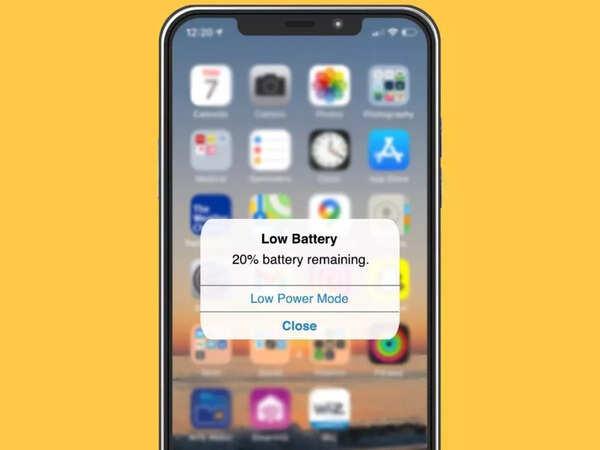

If your iPhone battery is draining faster than usual, you’re not alone.
Many iPhone users are currently experiencing sudden battery drain, even when their phone is not heavily used.
The good news?
This problem is very common and in most cases, it can be fixed easily.
Let’s walk through the real causes and the best solutions.
⚠️ Why Is Your iPhone Battery Draining Fast?
There are several reasons your iPhone battery may be draining quickly:
- Background apps running constantly
- High screen brightness
- Poor network signal
- Location services always on
- iOS updates or bugs
- Battery health degradation
When one or more of these are active, your battery will drop faster than normal.
🔍 Top Causes of Fast Battery Drain (Detailed)
📱 Background App Activity
Some apps continue running even when you’re not using them. They refresh data, track activity, and consume battery silently.
🌐 Poor Network Signal
When your phone struggles to find signal, it uses more power trying to connect. This is common in low coverage areas or indoors.
🔆 High Brightness and Screen Usage
Your screen consumes a lot of power. Higher brightness and long screen time will drain your battery faster.
📍 Location Services Always On
Apps like maps and social media constantly use GPS, which significantly reduces battery life.
🛠️ How to Fix iPhone Battery Draining Fast
Here are proven fixes you should apply immediately:
✅ Reduce Screen Brightness
Go to Settings → Display & Brightness and lower it or enable auto-brightness.
✅ Turn Off Background App Refresh
Go to Settings → General → Background App Refresh and disable unnecessary apps.
✅ Enable Low Power Mode
Settings → Battery → Turn on Low Power Mode to reduce background activity instantly.
✅ Manage Location Services
Go to Settings → Privacy → Location Services and disable apps that don’t need it.
✅ Check Battery Usage
Go to Settings → Battery to identify apps draining your battery the most.


🔋 Extra Tips to Save Battery Life
- Turn off Bluetooth when not in use
- Disable unnecessary notifications
- Use WiFi instead of mobile data when possible
- Keep your iOS updated
- Avoid exposing your phone to heat
When You Should Be Concerned
If your battery:
- Drops very quickly (e.g., 100% to 20%)
- Drains overnight without use
- Causes your phone to overheat
Then your battery health may be low and may need replacement.
Check this in:
Settings → Battery → Battery Health
Final Thought
iPhone battery drain can be frustrating, but most of the time it’s caused by simple settings.
Apply the fixes above and you should notice improvement almost immediately.
